Quick-Info
About Dialog
The About dialog is accessed by clicking the info icon in the Quick Access bar. It contains six tabs with version information, licensing, diagnostics, and financial tracking.
About
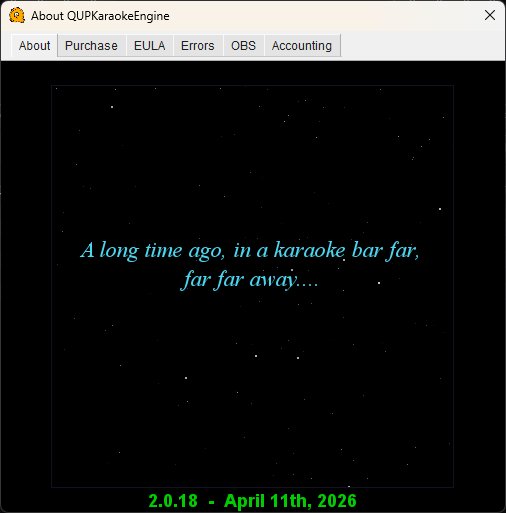
Displays the QUP version number and build date with a Star Wars-style scrolling credits animation.
Purchase
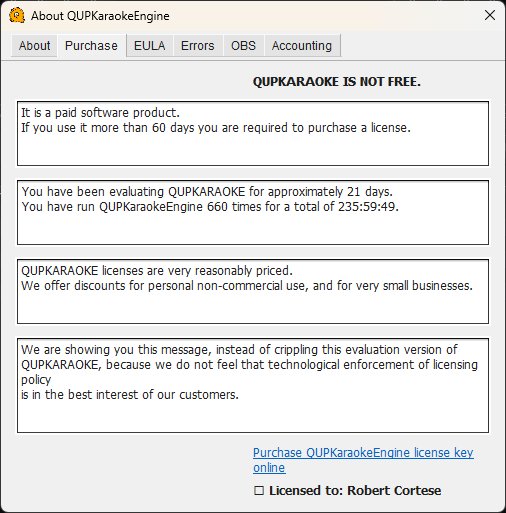
Shows your license status including how long you've been evaluating QUP, how many times it has been launched, and total runtime hours. QUP is a paid software product with a 60-day free evaluation period. After 60 days you are required to purchase a license.
A license is a one-time $10 purchase and covers every version of QUP for life — there are no upgrade fees, subscriptions, or renewals.
The evaluation version is fully functional — QUP does not cripple features during the trial period.
A link to purchase a license key online is provided at the bottom, along with your current license status.
EULA
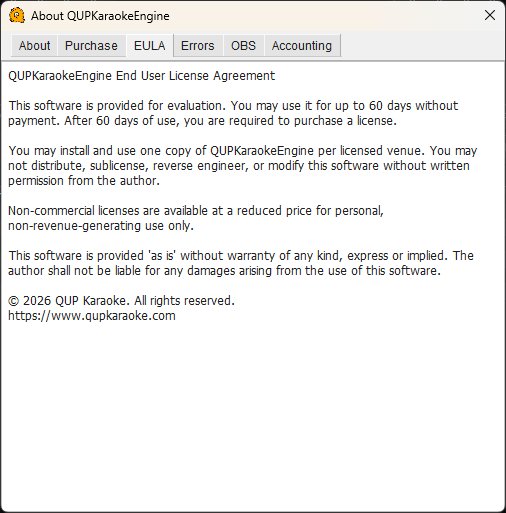
The End User License Agreement. Key points:
- 60-day free evaluation period, license required after that.
- A license is a one-time $10 purchase, valid for every version of QUP for life. No upgrade fees, subscriptions, or renewals.
- One copy per licensed venue.
- Do not distribute, sublicense, reverse engineer, or modify without written permission.
- Software is provided as-is without warranty.
Errors
The server error log. Any errors QUP encounters during operation are logged here. Check this tab when something isn't working as expected — it will often point you to the cause. An empty log means everything is running cleanly.
OBS
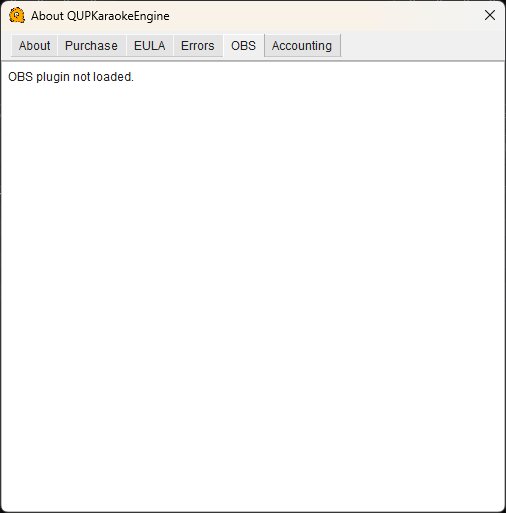
Shows the status of the OBS Recording plugin. If the plugin is loaded and connected, this tab displays OBS connection details and recording status. If the plugin is not loaded, it shows "OBS plugin not loaded."
Accounting
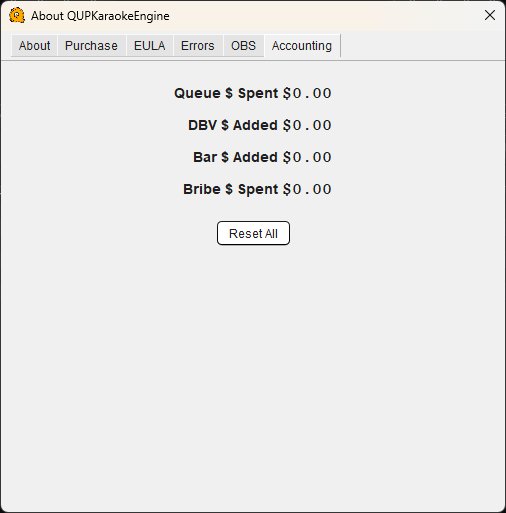
Tracks financial activity for the current session when using the paid system or bribe features:
Queue $ Spent — Total amount singers have spent queuing songs.
DBV $ Added — Total cash inserted through dollar bill validators connected to kiosks.
Bar $ Added — Total credit added to singer accounts by the bar/host.
Bribe $ Spent — Total amount singers have spent on bribes to move up in the rotation.
Reset All — Resets all accounting totals to zero. Use this at the start of a new night to begin fresh tracking.